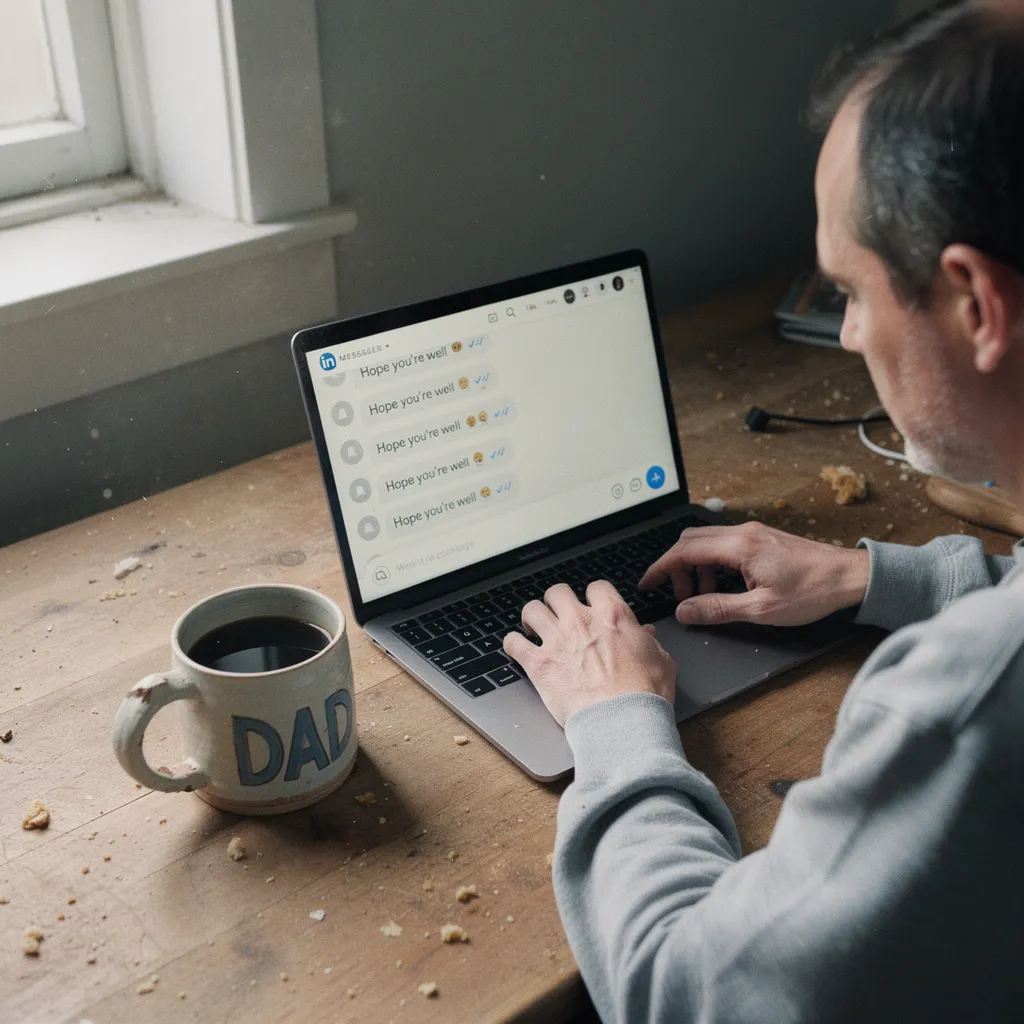
You know the feeling of staring at a blinking cursor while a deadline looms - that specific brand of paralysis known as "Blank Page Syndrome" that eats away at your morning while your coffee goes cold. Learning how to build an AI prompt library to accelerate daily work is no longer just a hobby for tech enthusiasts; it's a defensive measure against a 40% increase in the pace of professional writing that is currently reshaping every office from Seattle to Sarasota. Most people are failing.
As lead researcher for our editorial research desk, I recently reviewed federal databases including the Census Bureau's Business Trends and Outlook Survey, and the data suggests that while you are likely using AI already, you are probably doing it in the most inefficient way possible. Most workers treat ChatGPT like a search engine they have to re-teach every single morning, which is like buying a high-performance car but insisting on rebuilding the engine every time you want to drive to the grocery store. It is a massive waste of your mental energy. Instead of moving forward, you are stuck in a loop of repetitive setup that costs you hours every single week. You deserve better.
The numbers from the St. Louis Fed show that as of August 2025, about 54.6% of the U.S. working-age population has used generative AI.1 That translates to roughly 130 million U.S. adults-about 50% of the population-who are now using at least one major AI tool. But here is the problem: only 9.7% of businesses have officially integrated AI into their production systems.1 This 45-point gap suggests you are likely part of a massive "shadow AI" workforce - people using personal accounts to get work done without any official playbook. You are winging it. And because you are winging it, you are leaving an hour of your life on the table every single day.
The Shadow AI Gap: Why Your Office is Using Tools It Doesn't Own
What stood out most during the research was the sheer scale of the disconnect between what people do at their desks and what their bosses think is happening. In the Information sector, adoption rates for AI have climbed to 38%, which is a massive jump from where things stood just two years ago.2 But in sectors like hospitality, that number sits at a measly 1.2% 2. If you work in a high-intensity professional environment, your peers are using these tools to survive, but they are doing it in isolation. This creates a "digital graveyard" - a collection of half-baked prompts hidden in private documents that never get refined or shared.
This lack of structure is a productivity killer. When you don't have a library, you spend five minutes "massaging" a prompt to get the right tone for an email. You do this ten times a day. By Friday, you have wasted nearly an hour just trying to remember how you phrased that one successful request from Tuesday. The data suggests this is a structural mismatch. Most workers are ahead of their companies, but they are stuck in a cycle of "prompt chaos" where they lose their best work in a sea of forgotten chat histories.
It is a silent revolution. While the personal computer took over a decade to reach 50% adoption, AI hit that milestone in just three years.1 You are living through a shift that is moving three times faster than the PC revolution, yet most people are still treating their prompt history like a pile of scrap paper. If you don't centralize your successes, you aren't actually getting faster; you are just working harder in a different way.
The 40-Minute Dividend: Calculating the ROI of a Systematic Library
The numbers aren't just theoretical fluff from a Silicon Valley press release. According to the OpenAI State of Enterprise AI report for 2025, power users who use systematic tools save between 40 and 60 minutes every single day.3 Think about what you could do with an extra five hours a week. You could actually leave at 5:00 PM. You could focus on the "big" projects that actually get you promoted. But you only get that dividend if you stop typing prompts from scratch and start using a library.
Research from MIT Economics found that using ChatGPT increases task completion speed by 40% for mid-level professional writing.4 But there is a catch. The gain isn't just about typing faster. It's about shifting your work away from rough-drafting and toward idea-generation and editing. Shakked Noy, a PhD researcher at MIT, noted that AI restructures the very nature of work.4 If you are still spending your time figuring out how to ask the AI to summarize a meeting, you are missing the point. A library allows you to skip the "how" and go straight to the "what."
Industry experts and case studies consistently observe that the results of this transition follow a predictable pattern across various sectors. A dependable system for their daily tasks operates much like a kitchen recipe. Lacking that structure, you resemble a chef attempting to rediscover how to boil water whenever a customer wants pasta.
Reasons Prompt Databases Often Become Digital Graveyards
In reviewing community discussions among prompt engineers, a common theme emerged: the "digital graveyard." One project manager described spending twenty hours building a massive, beautiful database of 100 prompts that nobody - including themselves - actually used. Because the effort of launching another application, finding a prompt, and copying it into the AI window was too great, many users quit. Manual typing became the default again since it seemed quicker at the time, despite the long-term loss in efficiency.
The lesson here is that speed of access beats depth of organization. If your library is hard to reach, it is useless. Dr. Ethan Mollick from the Wharton School argues that the best "prompt engineering" is actually conversational coaching.5 You need to treat the AI like a brilliant but naive intern. A library shouldn't just be a list of commands; it should be a collection of "coaching frameworks" that you can trigger instantly. If you have to dig through a spreadsheet to find them, the habit will never stick.
My research indicates that success typically follows when prompts are moved into tools that appear right where your work happens. The objective remains zero friction, whether you use a text-expander, a browser extension, or just a pinned document. Your goal is to make the library feel like an extension of your keyboard rather than a different destination.
The Geography of Efficiency: Why DC Leads and West Virginia Lags
Where you live might actually change how much value you get from your library. During my investigation into the Anthropic Usage Index, I found that Washington, D.C. has an AI usage intensity 4.0 times higher than the national average.6 This isn't just because of the tech industry; it's because D.C. is a city built on professional writing, policy briefs, and administrative complexity. In contrast, West Virginia shows the lowest usage rate in the nation at 33%, which is roughly 34% lower than the national average of 50%.6
This regional gap tells us that the more your daily work involves "information processing," the more you need a library. If you are in a high-intensity area like D.C. or Nevada - where business adoption is 9% above the national average - you are already competing against people who are automating their workflows.2 If you aren't building your own library, you aren't just staying still; you are falling behind your neighbors at a rate of 40 minutes per day.
The regional data suggests a widening digital divide. The "frontier" worker is reclaiming an hour of their day, while others are still wrestling with the "Blank Page" alone. It's not about being a "tech person." It's about recognizing that in certain parts of the country, AI has already become the standard operating procedure for getting through a Wednesday.
The Great Equalizer: How Libraries Help Your Junior Staff More Than Your Stars
One of the most surprising findings in the MIT research is that prompt libraries and AI tools help low-ability workers significantly more than top-tier experts. While high-performers see a modest boost, lower-performing employees often see a 35% gain in their output quality and speed.4 This makes a prompt library the ultimate "skill-leveling" tool. It takes the tacit knowledge of your best employee - the one who knows exactly how to phrase a client update - and turns it into a repeatable system for everyone else.
If you are a manager, building a library isn't just about your own productivity. It's about raising the floor for your entire team. When you systematize your ChatGPT usage, you are essentially providing a "GPS" for professional tasks. Your junior staff no longer has to guess how to draft a project plan; they just use the "Project Plan V3" prompt from the library. This reduces the time you spend correcting their work and allows them to perform at a level that used to take years of experience to reach.
This is why every department needs a "Prompt Champion." This isn't necessarily the most senior person, but the person who is obsessed with efficiency. They curate the library, prune the "database clutter," and ensure the prompts actually work. Without this curation, your library will eventually suffer from "prompt drift," where updates to the AI model make your old saved prompts stop working as expected. You need someone to keep the engine tuned.
The 11-Week Rule: Forging Habits in the Age of Reasoning Tokens
Most people try to build a library in a weekend and then give up by Tuesday. But the data suggests that habit formation in AI usage takes time. Teams that succeed usually follow what I call the "11-Week Rule." They commit to a three-month integration period where they force themselves to use the library for every repetitive task. This isn't about the technology; it's about the "tacit knowledge" Ethan Mollick talks about - the deep, intuitive understanding of how the system reacts to your coaching.5
As we move into 2026, the technology is changing. OpenAI recently announced a 320x increase in enterprise reasoning tokens, which means the AI is getting much better at complex, multi-step logical analysis.3 Your library needs to evolve from simple "write this email" commands to complex "analyze this 50-page contract for these three specific risks" frameworks. If you haven't built the habit of using a library now, you will be completely overwhelmed when these higher-level reasoning tools become the standard at your office.
You don't need 100 prompts to start. You need three. Pinpoint three daily activities that cause you to sigh from boredom. These could include summarizing meeting transcripts, drafting weekly reports, or answering status update requests. Create those three specific prompts, store them for two-click access, and stop typing them by hand forever. That is how you win back your morning.
📋 The Prompt Library Blueprint
1Review Your Daily FrictionLook for the three tasks you perform every day that require more than 10 minutes. These are your first library entries.
2Select a Storage LocationInstead of using a deep database folder, try a text-expander tool or a pinned browser tab to ensure low friction.
3Version Your SuccessesWhen a prompt works perfectly, save it as "V1." When the AI model updates and the output changes, tweak it and save "V2."
💡
Pro TipDon't just save the prompt; save the "Context Block." AI models perform better when they know your role, the target audience, and the desired format. Create a standard "Intro" for your library that you can paste before any specific task to ensure consistent quality.
The Bottom Line
The gap between the 54.6% of people using AI and the 9.7% of businesses officially adopting it means you are likely operating in a "shadow" system.1 This is both a risk and a massive opportunity. If you are waiting for your company to hand you a prompt library, you will be waiting for years while your peers in D.C. and Nevada are already saving an hour a day. Building your own library is the only way to turn the 40% speed increase from AI into actual free time for yourself.4
Start today by selecting your most tedious task. Draft the prompt, polish it to perfection, and store it somewhere you can access within three seconds. Avoid the temptation to over-organize. Do not build a massive database. Just build a "speed dial" for your daily work. Evidence indicates that those who succeed with AI are often individuals who guard their time fiercely rather than tech experts.
Common Questions About Prompt Libraries
Ways to Prevent Prompt Drift During AI Model Updates
Prompt drift happens because AI models are constantly being retuned, which can change how they interpret certain words. The best way to combat this is to include specific examples of the output you want - often called "few-shot prompting" - within your library entry. By providing 2-3 examples of a perfect response, you give the AI a stable anchor even if the underlying model changes.
Is it safe to store work prompts in a personal library?
You must be careful with proprietary data. Most enterprise users report that they focus their libraries on "process" prompts - like how to structure a report or summarize a meeting - rather than prompts that contain sensitive company secrets. If you are using a personal account, never paste trade secrets or customer data into the chat window.
Which tool is best for hosting a prompt library?
The ideal tool is simply the one that creates the least amount of friction for your workflow. Many power users prefer text-expansion tools that allow a short code, such as ";email," to instantly trigger the appearance of a full prompt. For those working in teams, built-in project features or custom internal versions of AI tools are becoming the standard for shared libraries.
References
- Federal Reserve of St. Louis and U.S. Census Bureau (2025). Study of AI Adoption and the U.S. Workforce Over Time.
- U.S. Census Bureau (2026). Business Trends and Outlook Survey covering AI Adoption by Sector.
- OpenAI (2025). The State of Enterprise AI: Report on Productivity Gains and Usage Patterns.
- MIT Economics (2023). Experimental Evidence Regarding Productivity Effects of Generative Artificial Intelligence.
- Wharton School of the University of Pennsylvania (2024). Dr. Ethan Mollick on Conversational Coaching and AI Integration.
- Anthropic Usage Index (2025). Regional Disparities in AI Usage Intensity Across the United States.