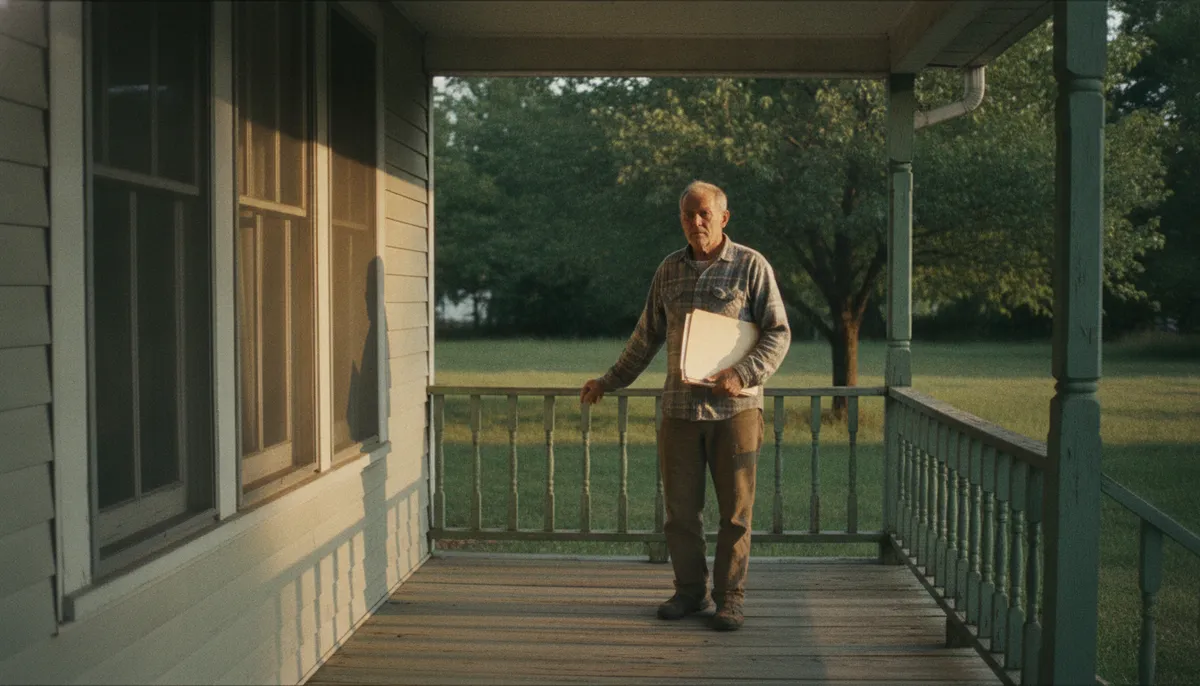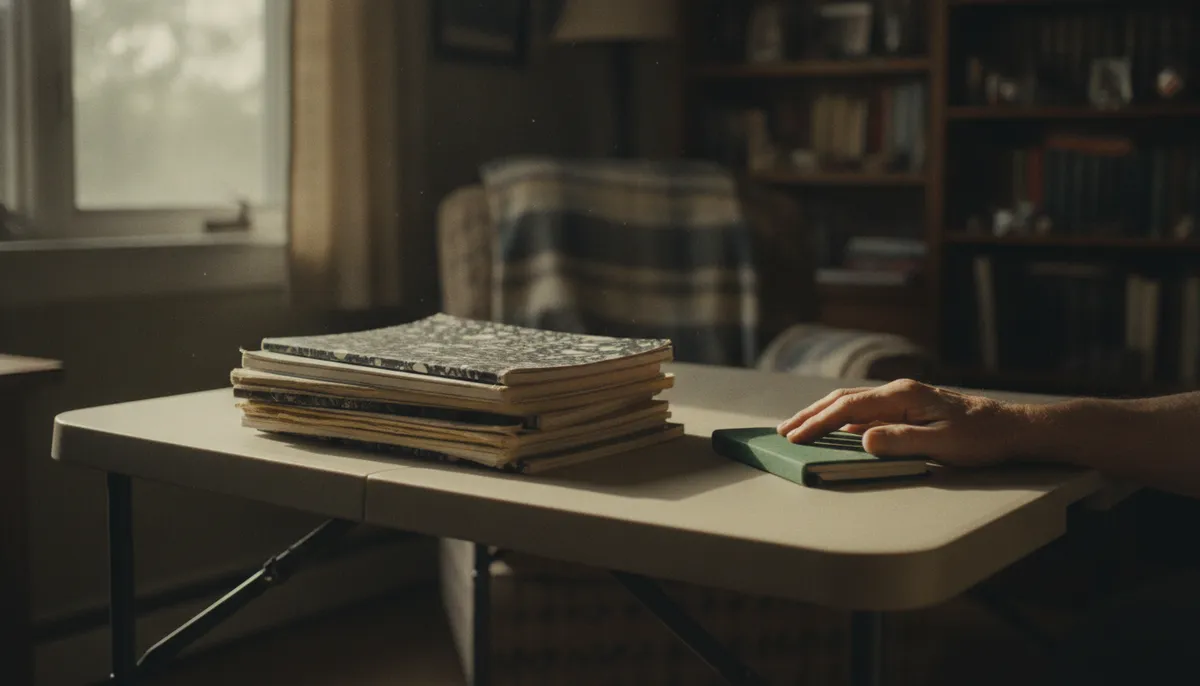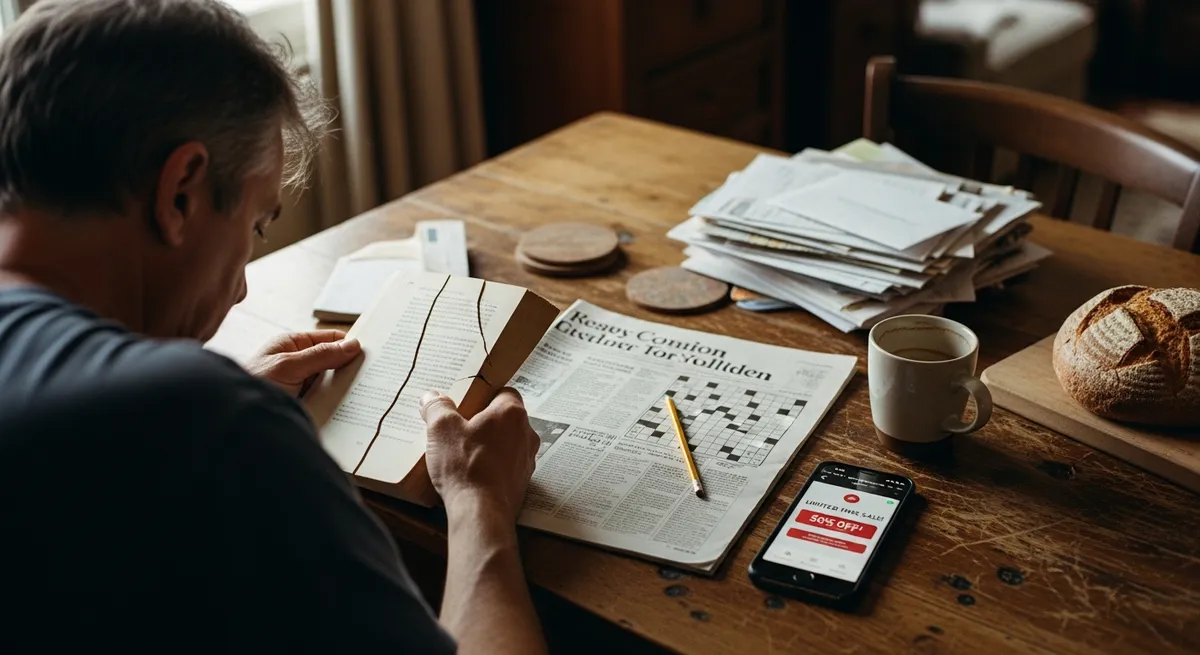
Eleven squares into the Saturday crossword, the phone lit up. A flash sale at a store he had ordered from exactly once - last November, for a gift he could no longer picture. He set the pencil in the fold of the newspaper and reached for his coffee. It had sat long enough to film over, that thin gray skin, and he put the mug down again without drinking.
He tried the paperback instead. Page forty-something, cracked spine, a woman walking through a market in Lisbon. He read the same sentence three times because the grocery app flashed a photograph of romaine lettuce, then the game with the jewels wanted him back, then two alerts arrived in a row, both stamped with the word breaking, both about the same building in a city he had never visited. After that came a bank whose debit card he had cut up with scissors on a Tuesday in 2022, and then a pizza chain he had eaten at once, on a road trip, because his ex had wanted breadsticks.
He swiped down and looked at the whole list, and the list kept going the way a receipt from a big-box store keeps going, past the fold, past where you assumed it ended. A candle company. Something called Hopper. The airline from the trip to see his father, the one where the return flight got cancelled and he slept in an orange chair at the gate and paid six dollars for a banana. Each entry had a small gray line of text under it, and every small gray line was asking for something.
The furniture store surprised him the most. He had bought one lamp there, a brass-necked thing, because his old lamp flickered out during a snowstorm. He opened the app's settings and the toggle sat blue and fat at the top of the screen: Allow Notifications, on. Below it, a timestamp. 2:07 a.m., Tuesday. That was the night he had woken certain he heard something, checked the window, found nothing, and blamed the neighbor's cat. It had been the lamp store. The lamp store had wanted him at 2:07 in the morning, and some part of him had gotten up to see about it.
He sat with the phone in his hand for a while. Then he started at the top of the list and went down it the way he used to go down a row of tomato plants, deciding plant by plant. The stores went silent first, all of them, even the ones where he was theoretically saving up points. The game went silent. Of the two news apps shouting the same headlines at each other he kept one, and only its morning summary, because being told about the same fire twice had never once made him better informed, only more braced. The bank he still used kept its fraud alerts. His daughter kept her sound, a little marimba he could pick out of a crowded room. The weather app came last, the free kind, a yellow sun on a white square, and he slid that toggle gray too, because the window over the sink had been telling him the weather for thirty years.
He set the phone face-down on the arm of the chair and opened the paperback. The woman left the market. She crossed a bridge and bought a fig from a man with a cart. Three full pages, the book going warm in his hand, and when he looked up, the lamp in the corner was throwing the same light it always threw, the brass neck curved over the cushion, and he could not have said whether twenty minutes had passed or forty. He sat with that for a moment, the way you sit with a word you used to know.
He carried the mug to the kitchen and poured the cold coffee down the drain, watching the gray film cling to the porcelain before the water took it. When he came back, the paperback lay face-down on the cushion, pressing its own crack a little flatter, and there was a dusting of toast sugar on page forty-one like a pale thumbprint. His pencil had rolled to the floor beside the crossword. Eleven squares stood filled in his small capitals. The rest were white and waiting.
He wrote INLET into twelve across. He sat with the pencil hovering over thirteen down, lips moving, until the word came, and he counted the boxes with the eraser end before committing to it. At some point the screen lit the underside of his wrist as he reached across the chair for a mug that was already in the sink, and he pulled his hand back and watched his own bare wrist go bright and then dim. Whatever it was could wait. Whatever it was had always been able to wait; the difference was that now nothing was going to buzz to argue otherwise. He got nine across, FELDSPAR, after counting the letters twice, and only then noticed the pencil had gone dull.
The quiet took some getting used to. For the first few days he kept reaching for the phone at the old moments - the kettle heating, the commercial break, the slow elevator in his building - and finding nothing there to look at. It felt, at first, like arriving too early to a party. By the second week it felt like a room after the furniture is finally in the right place. Nobody important had lost track of him. His daughter's marimba still rang through. The rest of it, the sales and the jewels and the buildings burning in cities he would never visit, went on without him somewhere on the far side of a gray toggle, exactly as it had gone on before, back when he was watching.
On Sunday he finished the crossword before the coffee cooled. He sharpened the pencil over the trash can with a paring knife, the way his father used to, and left it in the fold of the paper for next week.